Residential EV charger from main panel single line diagram template
Start with this single line diagram template when installing a residential EV charger directly from the main panel. Be sure to add labels and details as required by your AHJ for an EVSE installation before submittal.
By submitting this form you consent to receive marketing emails from Kopperfield. Unsubscribe any time.
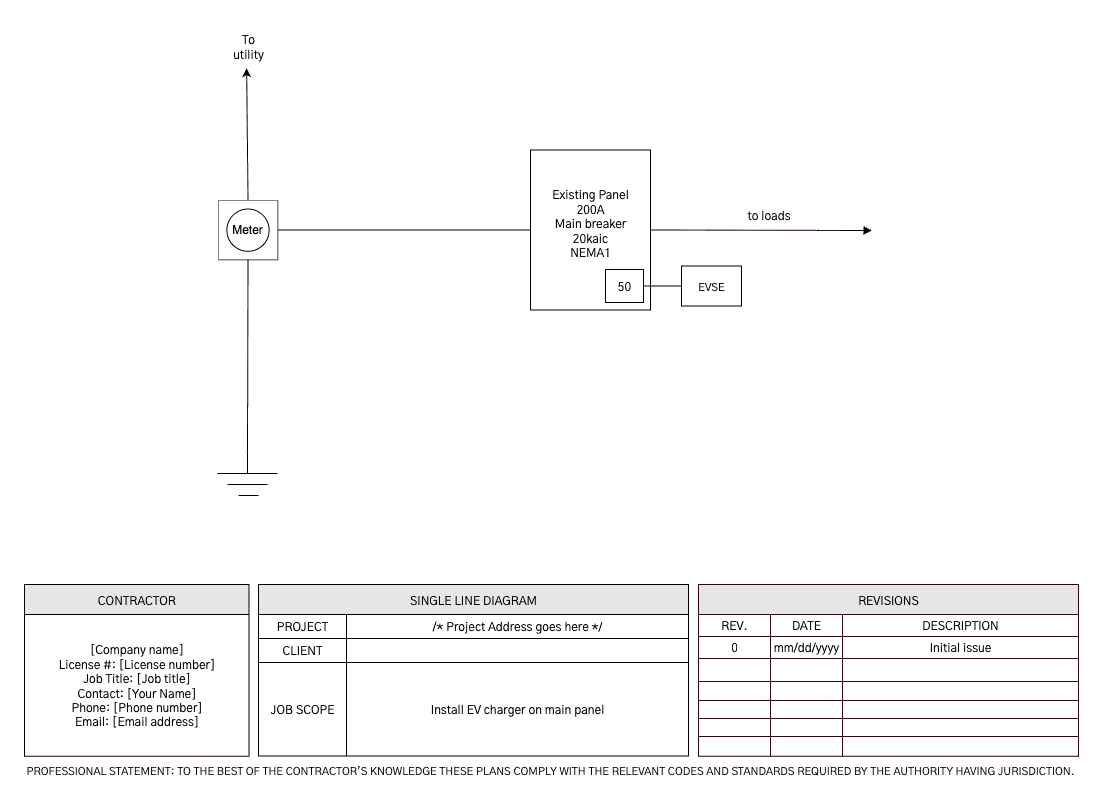
What's in this residential EV charger single line diagram template
The template shows a dedicated EV circuit fed straight from the home's main panel.
- Utility connection and meter
- Existing 200A main panel with main breaker, 20kAIC, NEMA 1
- 50A EV breaker in the main panel
- EVSE fed directly from the 50A breaker
- Feed to the home's other loads
- Grounding at the service
- Title block with contractor, project, and revision info
Every label is editable to match the job.
Looking for a different template?
Access our template libraryHow to use our single line diagram drawing tool
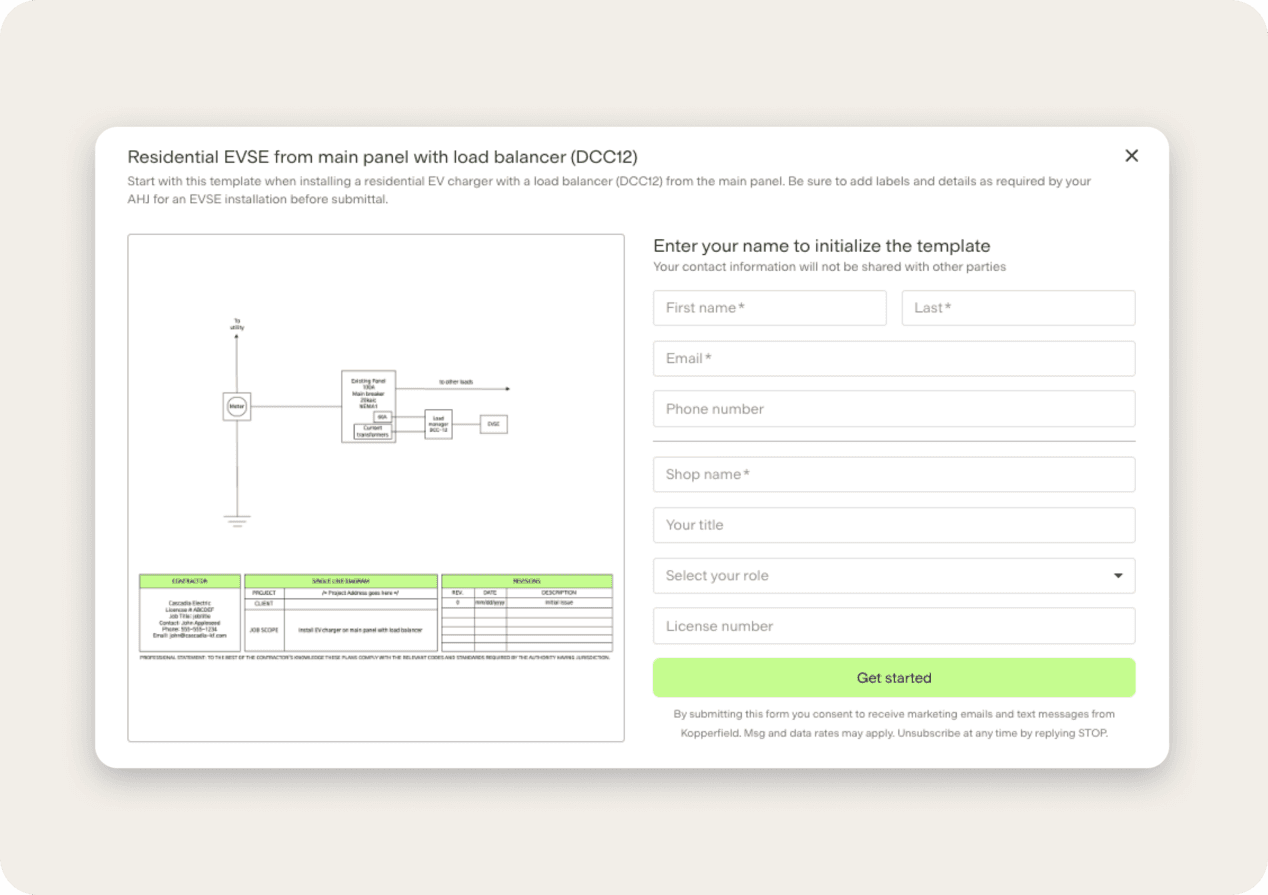
Use free templateEnter your email for free template access
Pick this template and enter your email. You'll create a free account, and your shop info gets added to the PDF.
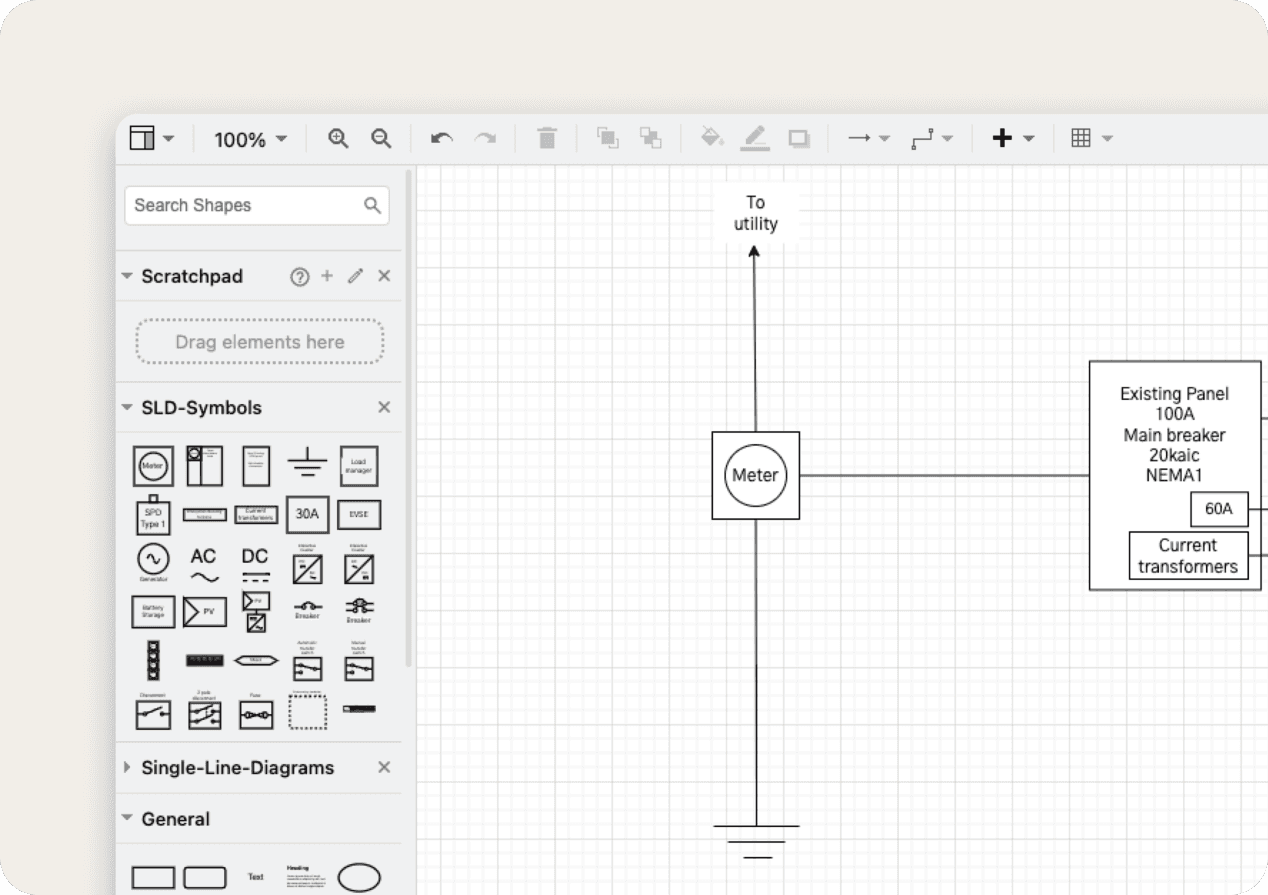
Edit your diagram
Update symbols, breaker and panel sizes, colors, and comments to match the job.
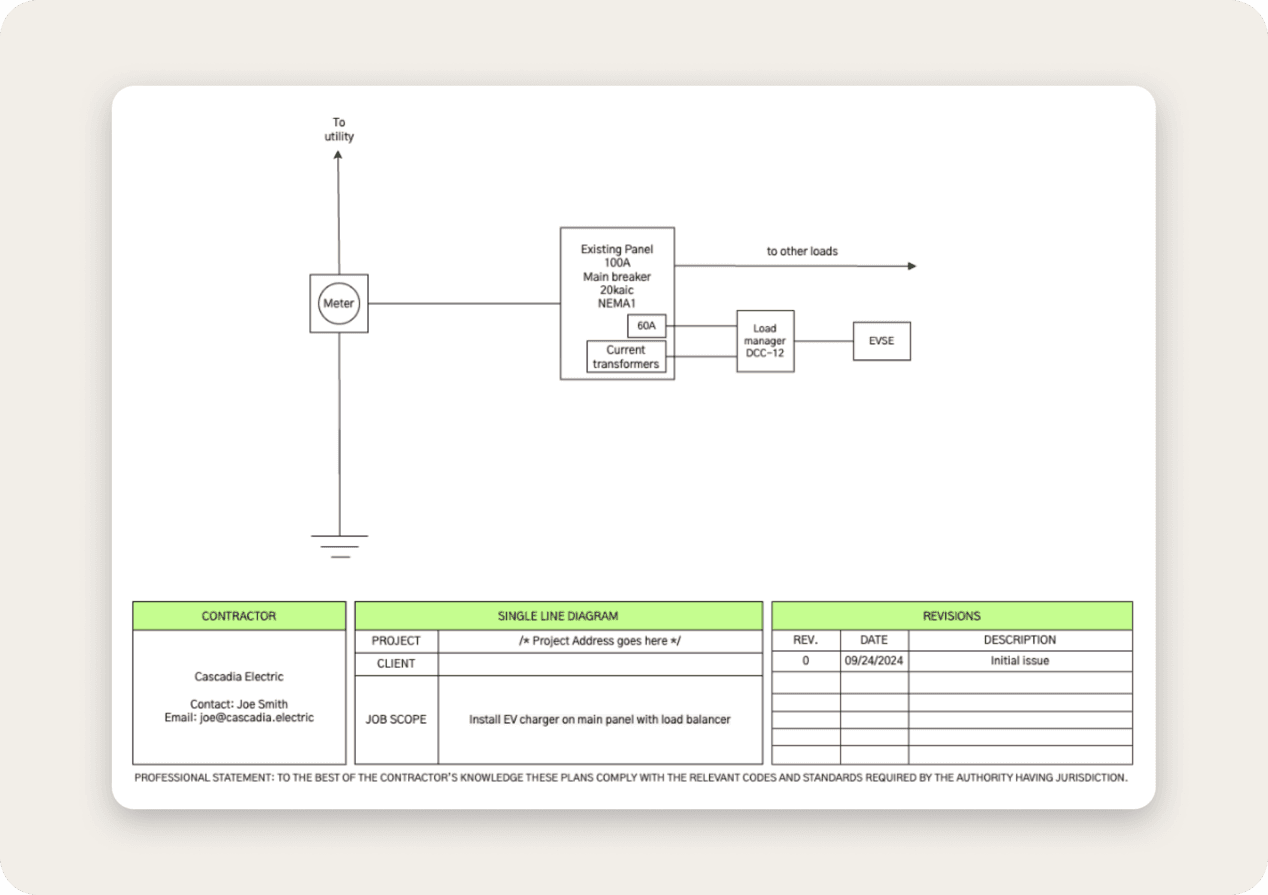
Get your free, shareable PDF
Finish the title block and we'll generate a free PDF you can attach to your permit application.
Free templates that save you time
Pre-built templates
Choose a template from common scenarios like service and panel upgrades and EV charger, solar, generator, and battery installs
Easy drawing tools
Create, edit, and share diagrams and drawings faster with standard symbols and drawing components
Custom shop branding
Personalize diagrams and documents with project details and shop branding and customize to meet the needs of your AHJ
Downloadable PDF
Generate a free PDF of your diagram to send to customers or use for permit applications
More EV charger single line diagram templates
Residential EV charger single line diagram FAQ
More questions? Email team@kopperfield.com and we'll get back to you.
Do I need a load calculation to add an EV charger?
In most jurisdictions, yes. For an existing home, the 2023 NEC 220.83 covers adding a load to an existing dwelling, and 220.87 lets you use the home's recorded maximum demand. Confirm which NEC edition and method your AHJ accepts.
What size breaker do I need for a residential EV charger?
At least 125% of the charger's maximum current, per NEC 625.41. A 40A charger needs a 50A breaker, a 48A charger needs a 60A breaker, and a 32A charger needs a 40A breaker.
Do I need a single line diagram for an EV charger permit?
Many AHJs ask for a single line diagram and a load calculation with an EV charger permit application. Requirements vary by jurisdiction, so check your building department's submittal checklist first.
Is a single line diagram the same as an EV charger wiring diagram?
No. A single line diagram shows the power path and equipment ratings from the service to the charger, which is what a plan reviewer checks. An EV charger wiring diagram shows the conductor terminations for the installer and comes from the charger's installation manual.
When should I use this template instead of a load balancer template?
Use this one when the load calc shows the service has capacity for the full charger load. If it doesn't, a load balancer template can let you add the charger without a service or panel upgrade.
What is an electrical single line diagram?
A single line diagram (or one line diagram) is a simplified, easy-to-read graphical representation of an electrical power distribution system. It uses single lines and standard symbols to illustrate the key components such as transformers, circuit breakers, and power sources. A single line diagram provides a clear overview of how electrical power flows within a system and is essential for power system design, maintenance, and troubleshooting.
How do I use the single line diagram tool?
To start using our single line diagram tool, pick the template you’d like to edit from the gallery. Enter your email to begin editing. Select shapes and symbols from the left sidebar and drag these into the center of the page to edit the diagram. Select shapes to edit their style, text, or arrangement from the right sidebar. Save, preview, and send your completed diagram to email from the menu on the top right of the screen. If you need additional assistance, check out our guide to creating single line diagrams, which covers the symbol library and drawing tools.
Who is this tool made for?
This tool is made for professionals involved in the design, construction, and permitting of electrical upgrades. This includes electrical contractors, engineers, power system designers, maintenance technicians, and designers. Our tool makes it easy for anyone to create single line diagrams with simple drawing tools and features.