Residential EV charger from subpanel single line diagram template
Start with this single line diagram template when installing a residential EV charger from a subpanel with a DCC-12 load balancer. Be sure to add labels and details as required by your AHJ for an EVSE installation before submittal.
By submitting this form you consent to receive marketing emails from Kopperfield. Unsubscribe any time.

What's in this EV charger from subpanel single line diagram template
The template shows the EV circuit fed from a subpanel instead of the main panel, with a load balancer ahead of the charger.
- Utility connection and meter
- Existing 200A main panel with main breaker, 20kAIC, NEMA 1
- Existing 100A subpanel, main lug only, 10kAIC, NEMA 1, fed from the main panel
- 60A EV breaker in the subpanel
- Current transformers at the subpanel, wired to the load balancer
- DCC-12 load balancer between the 60A breaker and the EVSE
- Feed to the subpanel's other loads
- Grounding at the service
- Title block with contractor, project, and revision info
Every label is editable to match the job.
Looking for a different template?
Access our template libraryHow to use our single line diagram drawing tool
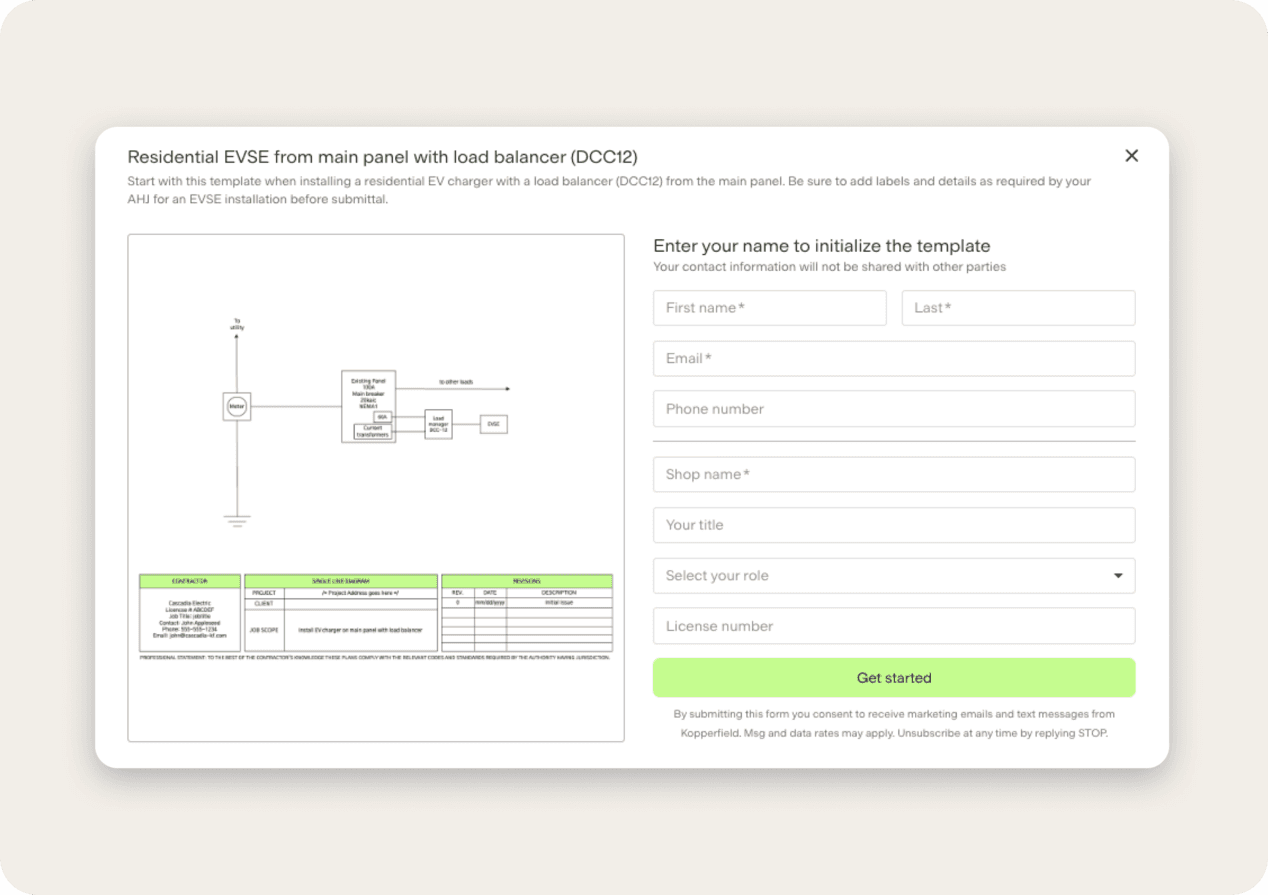
Use free templateEnter your email for free template access
Pick this template and enter your email. You'll create a free account, and your shop info gets added to the PDF.
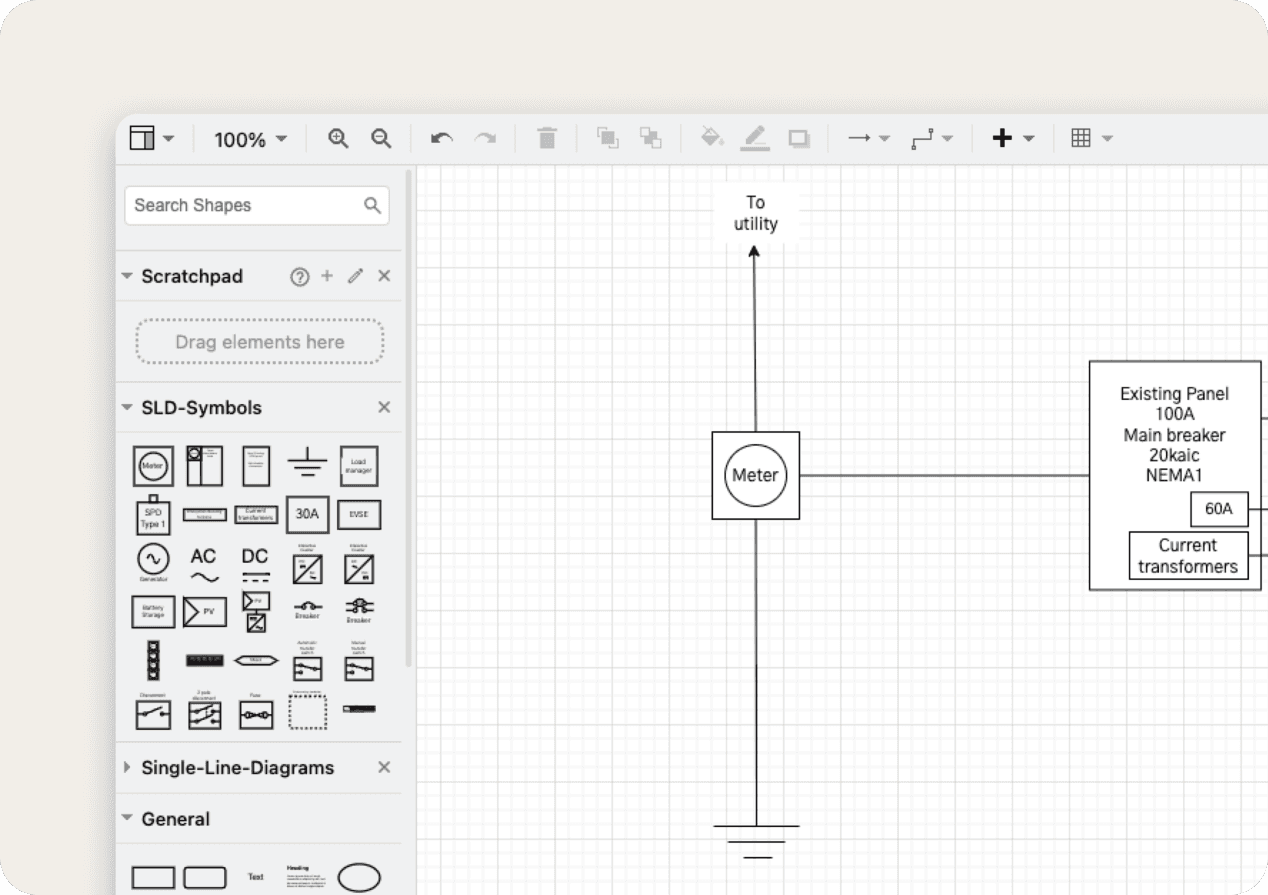
Edit your diagram
Update symbols, breaker and panel sizes, colors, and comments to match the job.
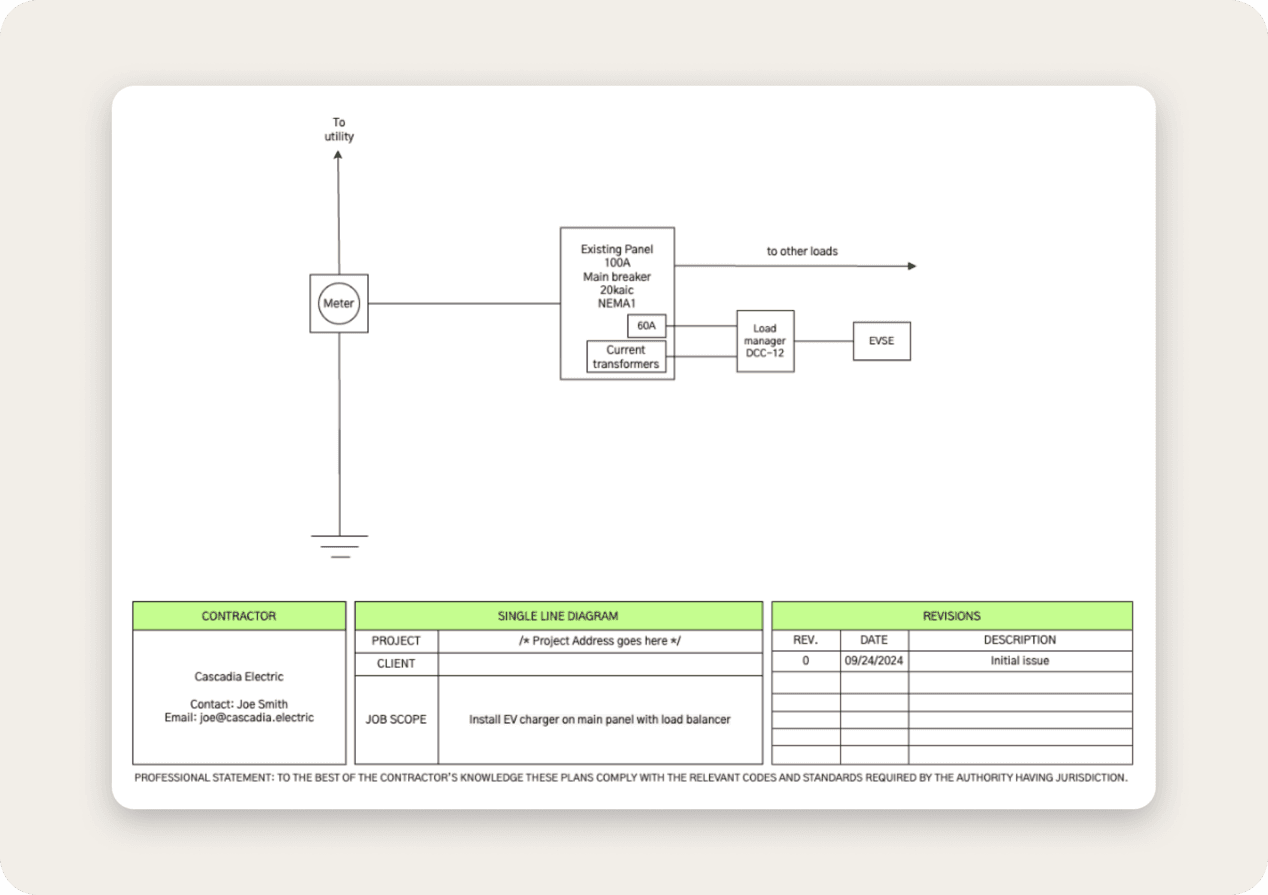
Get your free, shareable PDF
Finish the title block and we'll generate a free PDF you can attach to your permit application.
Free templates that save you time
Pre-built templates
Choose a template from common scenarios like service and panel upgrades and EV charger, solar, generator, and battery installs
Easy drawing tools
Create, edit, and share diagrams and drawings faster with standard symbols and drawing components
Custom shop branding
Personalize diagrams and documents with project details and shop branding and customize to meet the needs of your AHJ
Downloadable PDF
Generate a free PDF of your diagram to send to customers or use for permit applications
More EV charger single line diagram templates
EV charger from subpanel single line diagram FAQ
More questions? Email team@kopperfield.com and we'll get back to you.
Can I install an EV charger from a subpanel?
Yes, as long as the subpanel, its feeder, and the service can carry the load. When the feeder is short on capacity, a load balancer like the DCC-12 can de-energize the charger during peak use so you don't have to upsize the feeder. Check your AHJ requirements first.
Where do the current transformers go on a subpanel install?
In this template they sit at the subpanel, on the conductors feeding it, so the load balancer sees the subpanel's total load. Follow the manufacturer's installation instructions for your setup.
When should I use this template instead of the main panel load balancer template?
Use this one when the charger's circuit comes from a subpanel, like a garage subpanel near the parking spot. When the EV breaker goes in the main panel, use the residential EV charger with load balancer template.
Does the NEC count the full EV charger load if you use a load balancer?
Not always. The 2023 NEC 625.42(A) sets the EVSE load on a service or feeder at the maximum allowed by an energy management system that meets 750.30. Confirm which NEC edition your AHJ uses and whether they accept the DCC-12 as the energy management system in your load calc.
What is an electrical single line diagram?
A single line diagram (or one line diagram) is a simplified, easy-to-read graphical representation of an electrical power distribution system. It uses single lines and standard symbols to illustrate the key components such as transformers, circuit breakers, and power sources. A single line diagram provides a clear overview of how electrical power flows within a system and is essential for power system design, maintenance, and troubleshooting.
How do I use the single line diagram tool?
To start using our single line diagram tool, pick the template you’d like to edit from the gallery. Enter your email to begin editing. Select shapes and symbols from the left sidebar and drag these into the center of the page to edit the diagram. Select shapes to edit their style, text, or arrangement from the right sidebar. Save, preview, and send your completed diagram to email from the menu on the top right of the screen. If you need additional assistance, check out our guide to creating single line diagrams, which covers the symbol library and drawing tools.
Who is this tool made for?
This tool is made for professionals involved in the design, construction, and permitting of electrical upgrades. This includes electrical contractors, engineers, power system designers, maintenance technicians, and designers. Our tool makes it easy for anyone to create single line diagrams with simple drawing tools and features.